Windows Forms Example Application: Annuity Evaluation

Windows Forms Example Application: Annuity Evaluation
Description
We are learning to create computer applications using the Visual Basic language. This is one of our introductory lessons to desktop applications. In this exercise, we will use Microsoft Visual Studio to create a project. We will create a Windows Forms application, also called WinForms app.
One of the strengths of the Visual Basic language is that it has its own library that provides many functions you can directly use in your applications. One of the categories of functions deals with investments calculations. This means that the Visual Basic language provides functions that allow you to calculate the present value of an investment, the future value, the interest rate, etc. In this exercise, we will calculate the future value and the interest earned on an investment.
 Practical Learning: Creating the Application
Text:          Annuity Evaluation
StartPosition: CenterScreen
MaximizeBox:   False
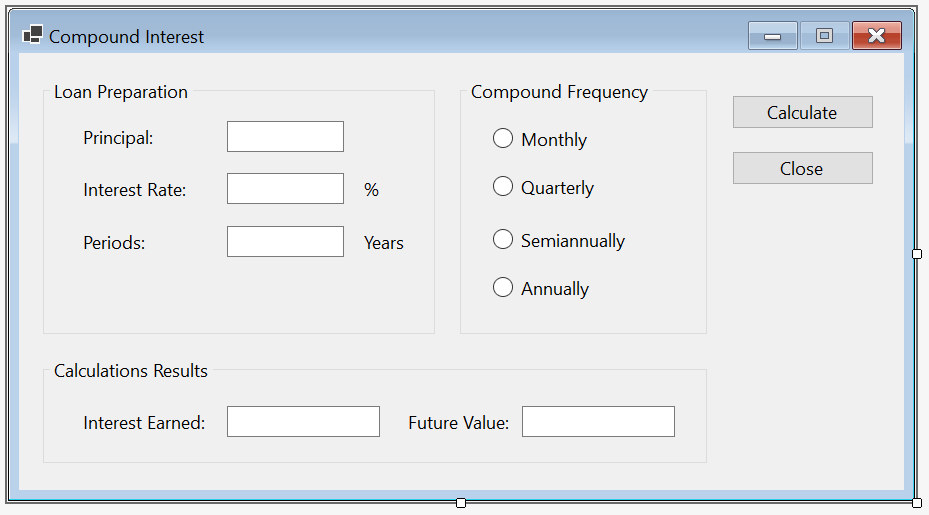
| Control | Name | Text | Additional Properties | |
| GroupBox |  |
Annuity Preparation | ||
| Label |  |
Present Value: | ||
| TextBox |  |
TxtPresentValue | TextAlign: Right | |
| Label | |
Interest Rate: | ||
| TextBox | |
TxtInterestRate | TextAlign: Right | |
| Label | |
% | ||
| Label | |
Number of Payments: | ||
| TextBox | |
TxtNumberOfPayments | TextAlign: Text | |
| Label | |
Months | ||
| Label | |
Periodic Payment: | ||
| TextBox | |
TxtPeriodicPayment | TextAlign: Right | |
| Label | |
Payment Made At: | ||
| ComboBox |  |
CbxDueDates | Items:
End of Period Beginning of Period |
|
| Button |  |
BtnEvaluate | Evaluate | |
| GroupBox | |
Annuity Results | ||
| Label | |
Future Value: | ||
| TextBox | |
TxtFutureValue | TextAlign: Right | |
| Button | |
BtnClose | Close | |
Private Sub BtnEvaluate_Click(sender As Object, e As EventArgs) Handles BtnEvaluate.Click
    Dim DateDue As DueDate
    Dim PresentValue As Double
    Dim TotalPayments As Integer
    Dim InterestRate As Double
    Dim PeriodicPayment As Double

    PresentValue = CDbl(TxtPresentValue.Text)
    InterestRate = CDbl(TxtInterestRate.Text) / 100
    TotalPayments = CInt(TxtNumberOfPayments.Text)
    PeriodicPayment = CDbl(TxtPeriodicPayment.Text)


    DateDue = IIf(CbxDueDates.SelectedIndex = 0, DueDate.EndOfPeriod, DueDate.BegOfPeriod)

    Dim FutureValue As Double = FV(InterestRate / 12, TotalPayments, -PeriodicPayment, 0, DateDue)

    TxtFutureValue.Text = FormatNumber(FutureValue)
End SubPrivate Sub BtnClose_Click(sender As Object, e As EventArgs) Handles BtnClose.Click
Close()
End Sub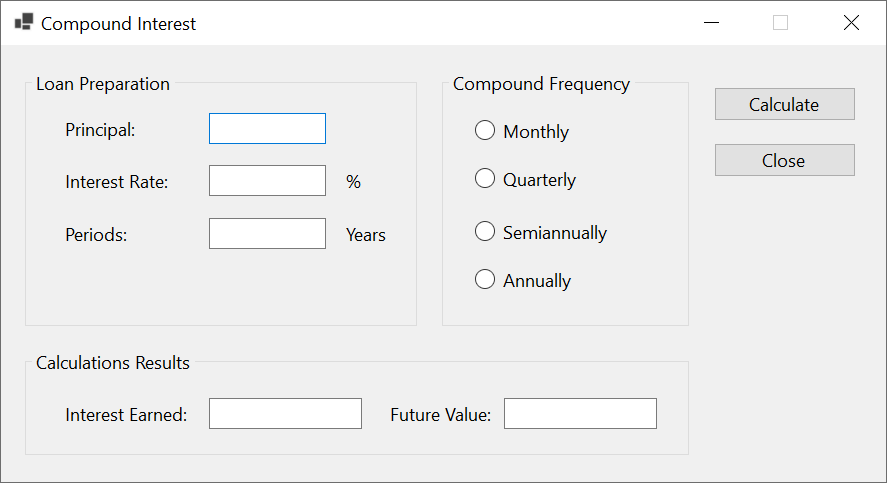
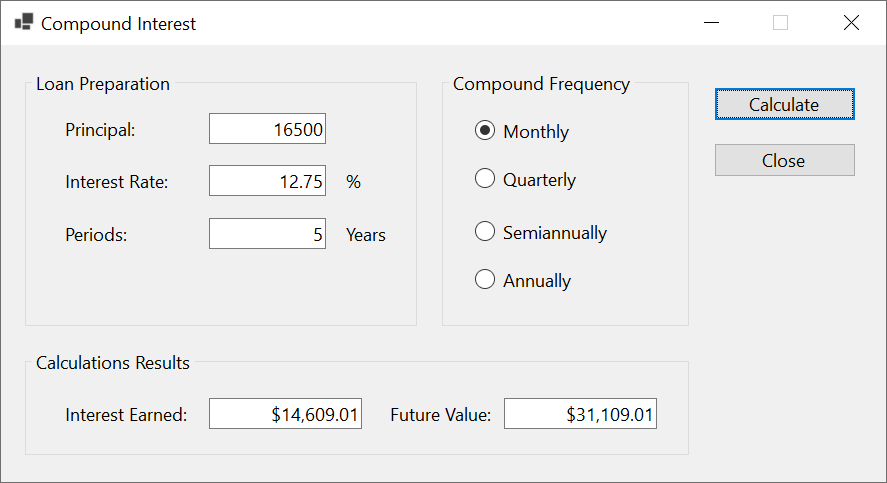
Present Value:      100
Interest Rate:      2.725
Number of Payments: 60
Periodic Payment:   150
Payment Made At:    Beginning of Period
|
|
|||
| Home | Copyright © 2010-2026, FunctionX | Friday 27 December 2024, 13:02 | Home |
|
|
|||